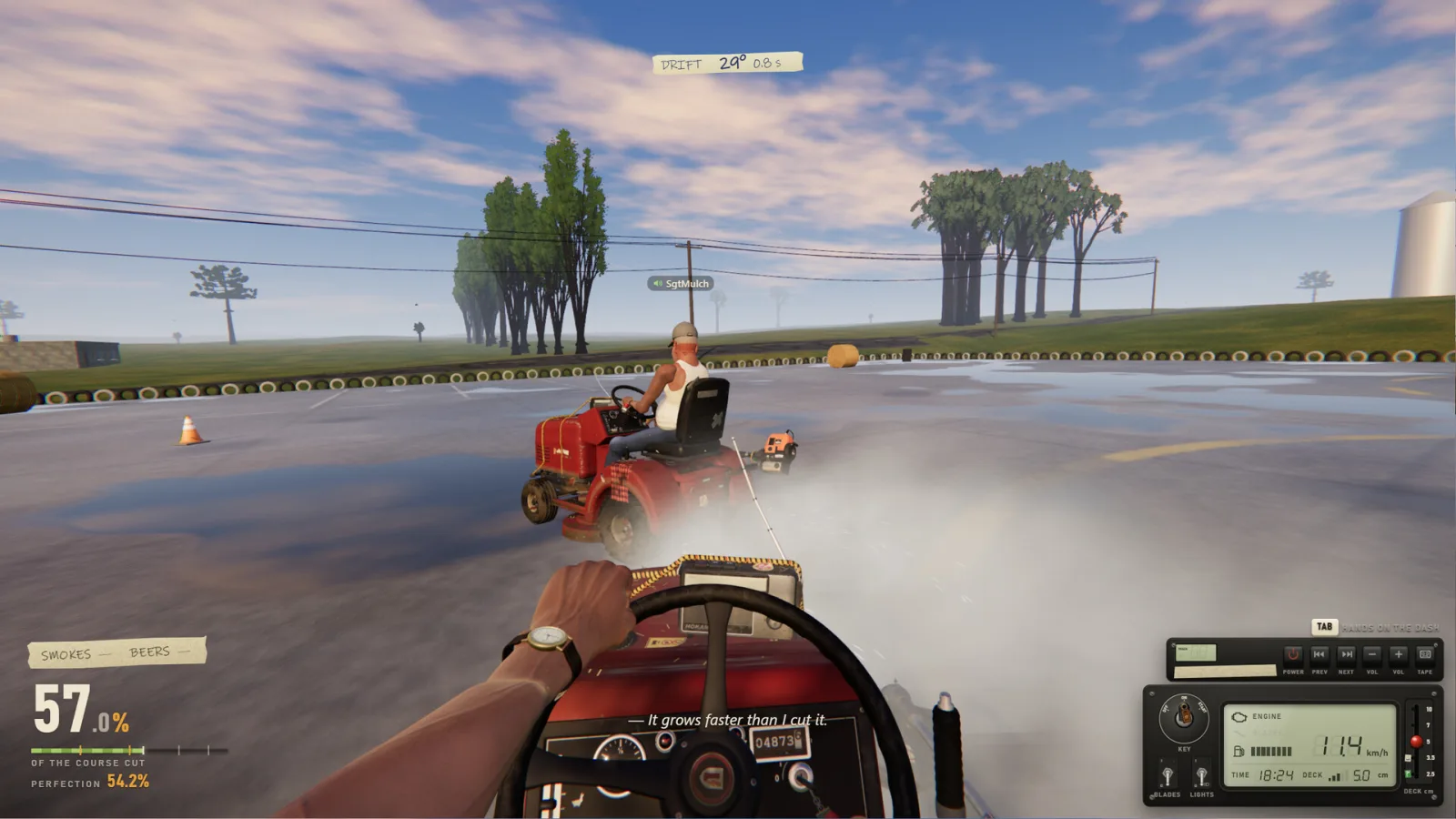
Joining a co-op session
The free demo already includes online co-op for up to six players, so you do not need the full game to mow together — the demo covers Elvira's backyard and Chiquito with his toys. There are two documented ways to join a friend: accept a Steam invite, or enter a six-digit lobby code. One player hosts, the others join, and the group can work the same yard together. The game uses proximity voice chat, so talking to a friend nearby in the yard feels different from shouting across the map.
Co-op guests can unlock levels, a fix that landed in patch 1.0.1, so progress is not locked to the host alone. Radios are shared too: a player can load music and enable Shared Music so everyone in the session hears it, or use Streamer Mode to keep another player's tracks out of a recording. Cross-version co-op between the demo and the full game is supported, which means a friend on the free demo can still join a full-game host.
Setting up a smooth session
A little preparation avoids most co-op friction. Agree on who hosts before you start, because the host's subscribed Workshop content is what everyone receives — this applies to both custom maps and the experimental mods introduced in 1.0.3. If you plan to play a community map, the host should subscribe to it on Steam first and confirm it loads. The Co-op Setup Helper tool on this site turns these steps into a checklist you can tick through before inviting friends.
Voice chat uses proximity, so keep that in mind when coordinating a large yard. If a session feels off, check the official patch notes and the item comments for any map or mod you are using; community content is the most common source of surprises. The base game's four jobs work in co-op as well, and the Job Checklist tool can help a group divide the work. All tools here run in your browser and save their state locally — no account, no upload.
Sources and where to go next
Every fact on this page is traceable to an official source — the Steam store listing, Steam News, the Steam Workshop API or the developer's own channels — and was last checked on 2026-11-20. Our full editorial standards and the complete primary-source list are documented on our about and data-sources pages. The links below continue this topic from a different angle.
- https://store.steampowered.com/app/5378110/One_More_Lawn/
- https://store.steampowered.com/news/app/5378110
- Co-op setup helper: /tools/coop-setup-helper
- Beginner guide: /guides/beginner
- Workshop maps: /maps
- /about
- /about/data-sources
Frequently asked questions
How many players can join?
Up to six players online. The free demo already includes six-player co-op.
How do friends join my game?
Via a Steam invite or by entering the six-digit lobby code.
Can demo and full-game players play together?
Yes. Cross-version co-op between the demo and full game is supported.
Does everyone hear the same radio?
Shared Music can broadcast one player's tracks to the group; Streamer Mode blocks shared music for your own recording.