

ONE MORELAWN

Community creations

Mods Database

Real One More Lawn Workshop mods, ranked by subscription count. Author descriptions and stats are captured from the official Steam API — we link to the originals and host no mod files.

Official Steam Workshop

Subscribe, read comments and check the latest version directly on Steam.

Open Workshop

Experimental community content

Patch 1.0.3 added official but experimental mod support. The developer does not review or endorse individual mods, so every entry here is labelled Experimental rather than Compatible. Read the original Workshop page before subscribing; this site only indexes and links, and never hosts mod files.

Verified entries

Every Indexed Mod

12 real Workshop items, selected from the highest subscription counts with complete author descriptions and preview images.

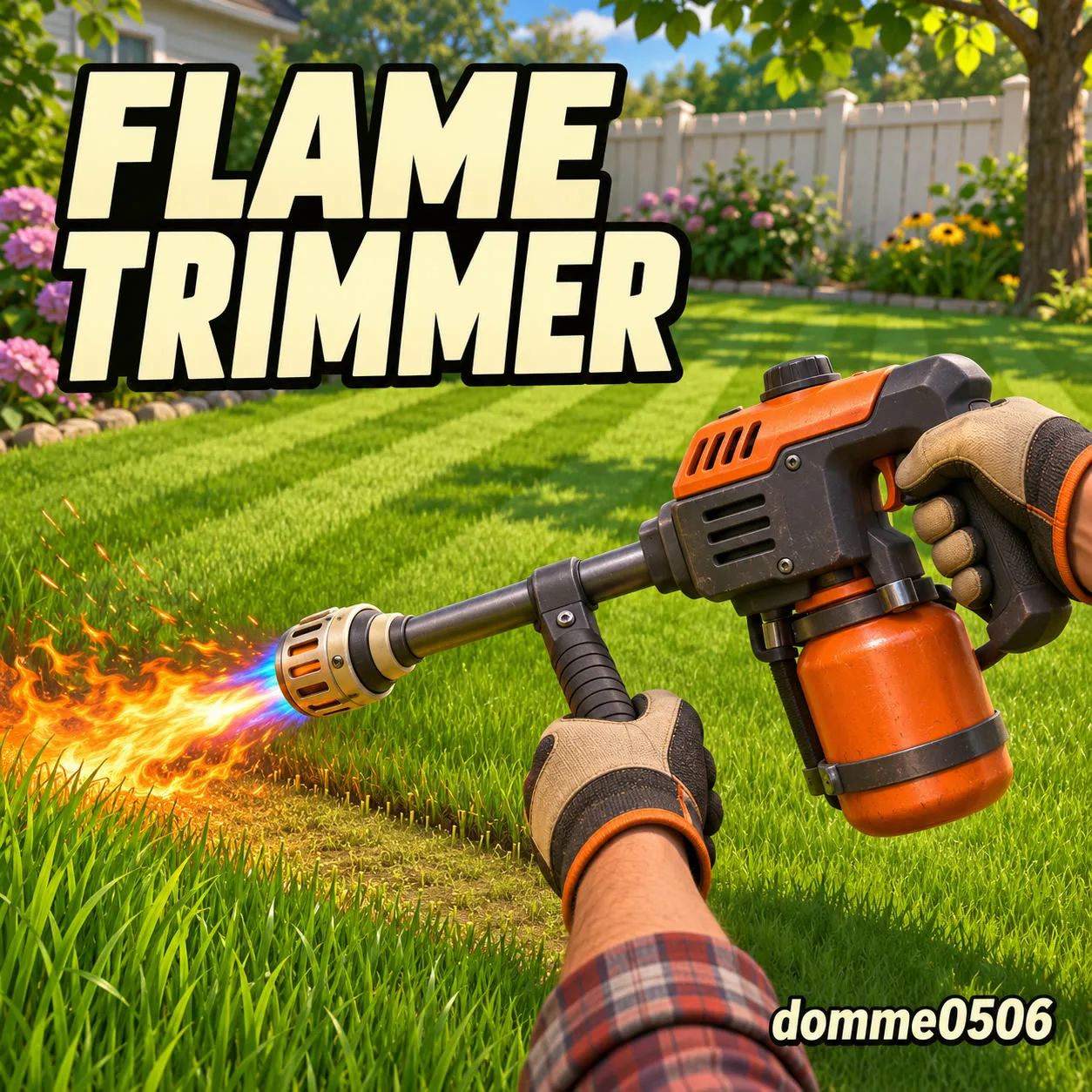
Workshop preview for the Flame Trimmer mod
Mower ModsExperimental

Flame Trimmer

A two-handed Flame Trimmer with four power levels. Buy it from Chiquito and trim the lawn with fire.

By Domme0506

582 subscribers938 views
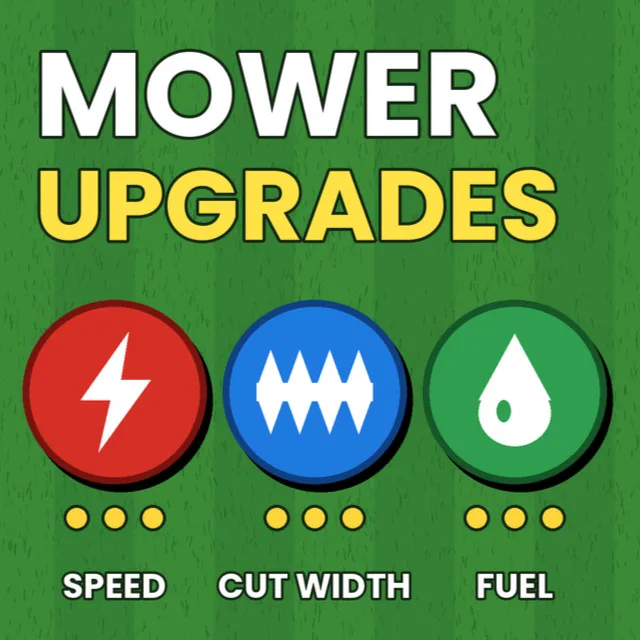
Workshop preview for the Mower Upgrades... now with Sprint and Jump mod
Mower ModsExperimental

Mower Upgrades... now with Sprint and Jump

Adds the ability to jump with space and sprint with shift. Adds an upgrades section to Chiquito's shop: 3 engine tune-ups for speed, 3 blade kits for a wider cut, 3 fuel-efficiency upgrades for better fuel economy. Works with both the LUCHADOR and the Zero Turn mower. Upgrades have to be bought in order; each can only be bought once and a repeat purchase is refunded. White translucent lines show your cutting width (toggle with U); the upgrade panel toggles with I. Fuel level and bag capacity percentages sit at the bottom right above the HUD.

By Alooxxx

524 subscribers767 views
Workshop preview for the Infinite Fuel mod
Mower ModsExperimental

Infinite Fuel

Keeps the mower fuel tank at 100% at all times. Mod id: player.infinite-fuel · v1.0.1

By maximelianenko

493 subscribers734 views
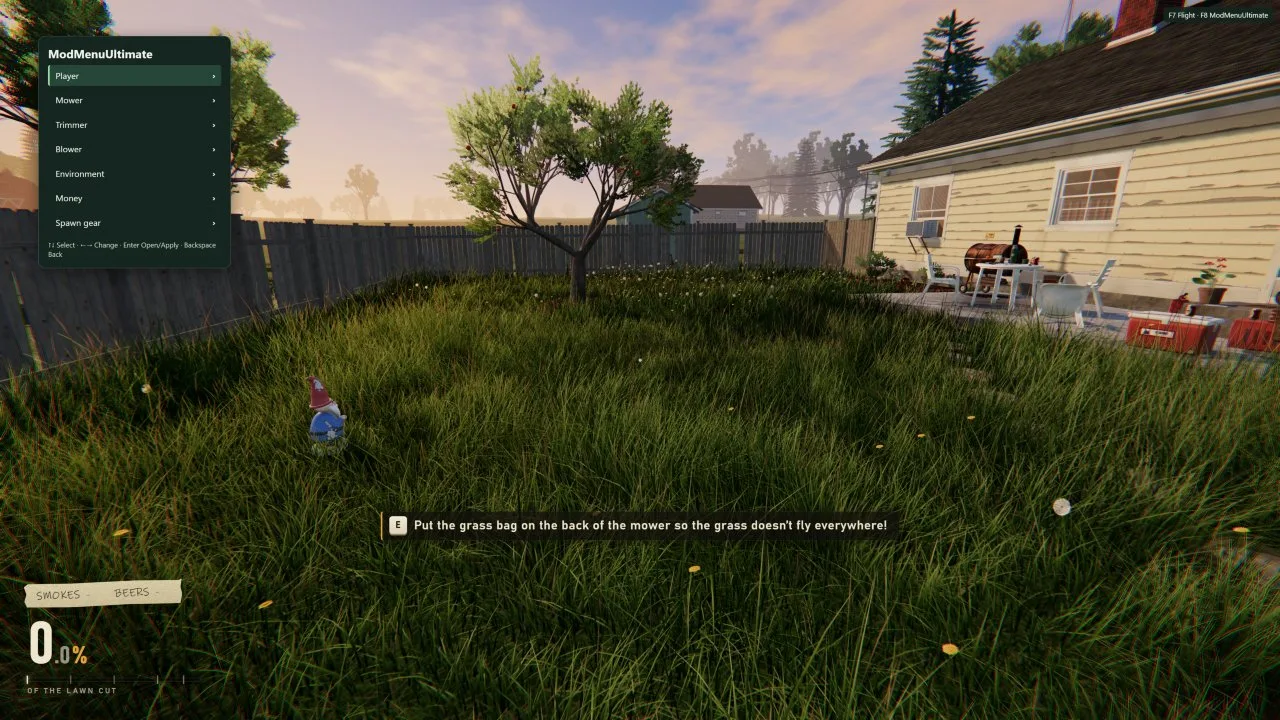
Workshop preview for the ModMenuUltimate mod
GameplayExperimental

ModMenuUltimate

An in-game menu for player, equipment, and yard settings. Adjust sprint speed, mower speed and cutting width, trimmer width, blower strength, fuel use and clipping discharge. Fly on foot or hover in the riding mower, change the weather or time of day, add cash, and spawn gear. In solo yards, mow or regrow all grass. The mower can be put into hover mode once it is started. The author notes it is 100% AI-made and that they do not code. Mod id: player.modmenuultimate · v1.0.3

By dj57

410 subscribers671 views
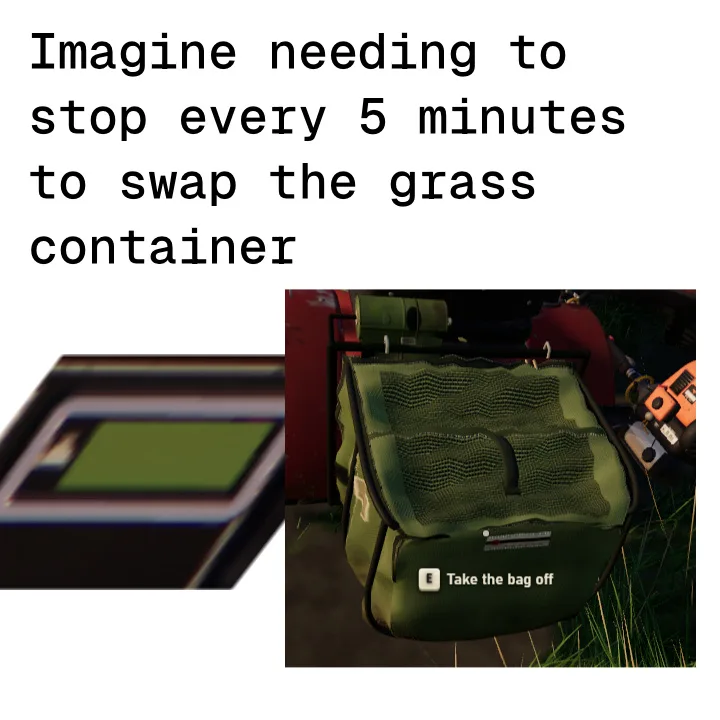
Workshop preview for the Infinite Grass Container mod
Mower ModsExperimental

Infinite Grass Container

Removes the mower bag capacity limit and scales Chiquito's payout to total grass collected. Mod id: player.infinite-grass-container · v1.0.1

By maximelianenko

391 subscribers458 views
Workshop preview for the Smoke Joints mod
GameplayExperimental

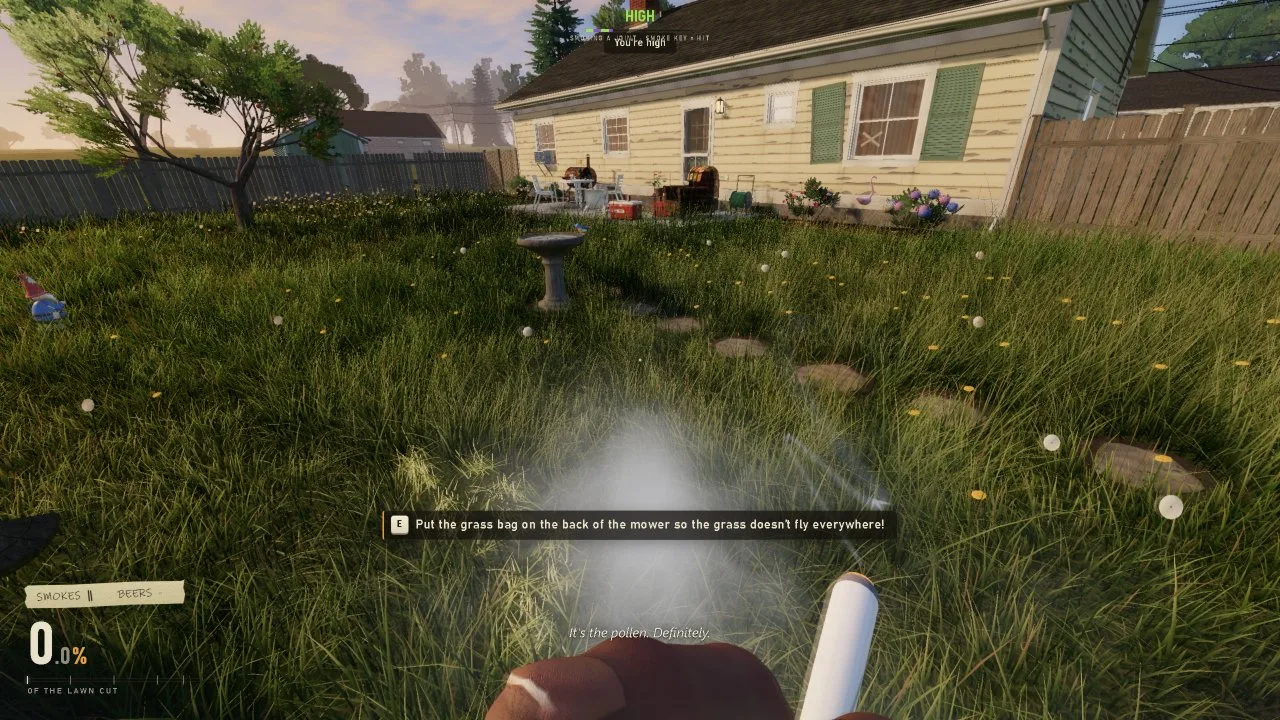
Smoke Joints

Smoke a joint and get high! K tosses the cigarette you have, lights a joint and you take hits with the smoke key (F), with thick smoke, coughing fits and a long high. The game no longer lights a new cigarette by itself when one is done (J lights one when you want it). Works alone or with the Backyard Grow-Op mod, in which case you smoke the joints you roll. Mod id: hawg.joints · v1.0.0

By Hawg

372 subscribers567 views
Workshop preview for the Speed Tuner mod
GameplayExperimental

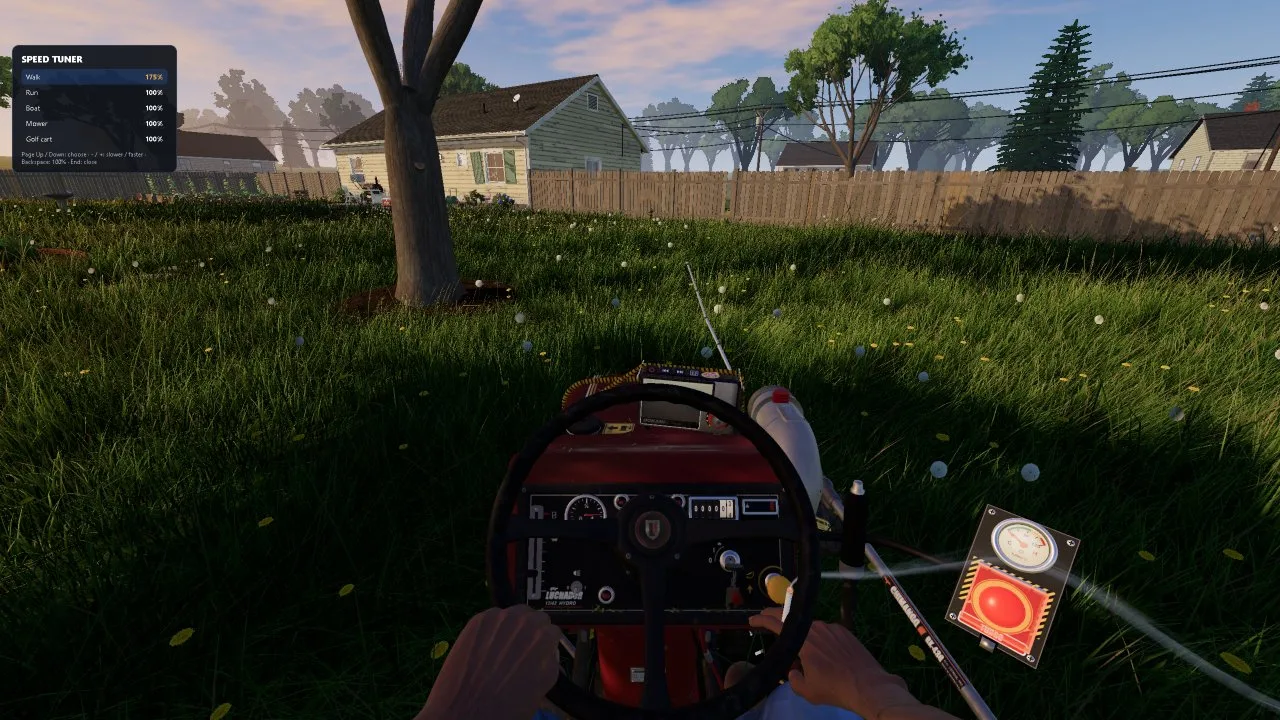
Speed Tuner

Press F8 (or End) for a panel that turns walk, run, boat, mower and golf cart speed up or down (25% to 400%). In co-op the host's speeds count for everyone. Mod id: hawg.speed-tuner · v1.0.2

By Hawg

365 subscribers543 views
Workshop preview for the Clay shooting mod
GameplayExperimental

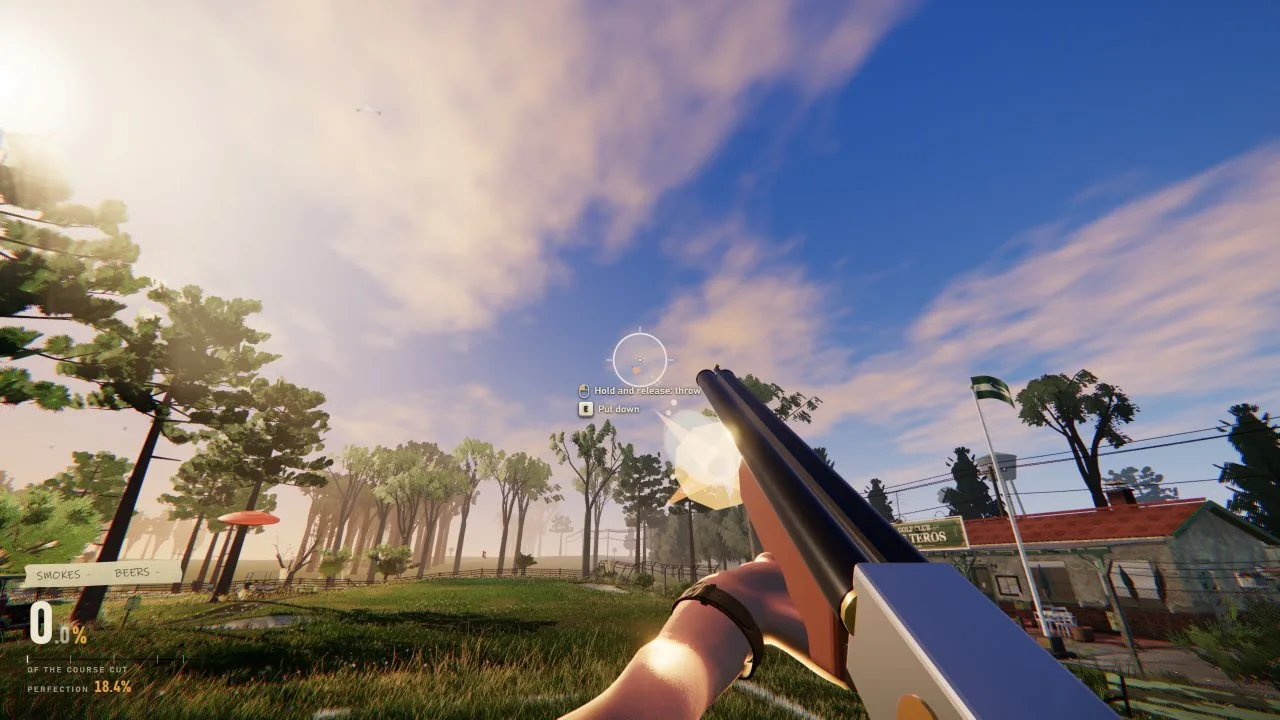
Clay shooting

Buy a double-barrel shotgun from Chiquito for $10. Left click shoots, right click aims, R reloads. U places an automatic clay thrower, I removes the nearest one. Mod inspired by Hawg YT and Twitch channels. Mod id: player.tiro-al-plato · v2.1.1

By dioxido de litio

319 subscribers680 views
Workshop preview for the Balls Itch mod
CharactersExperimental

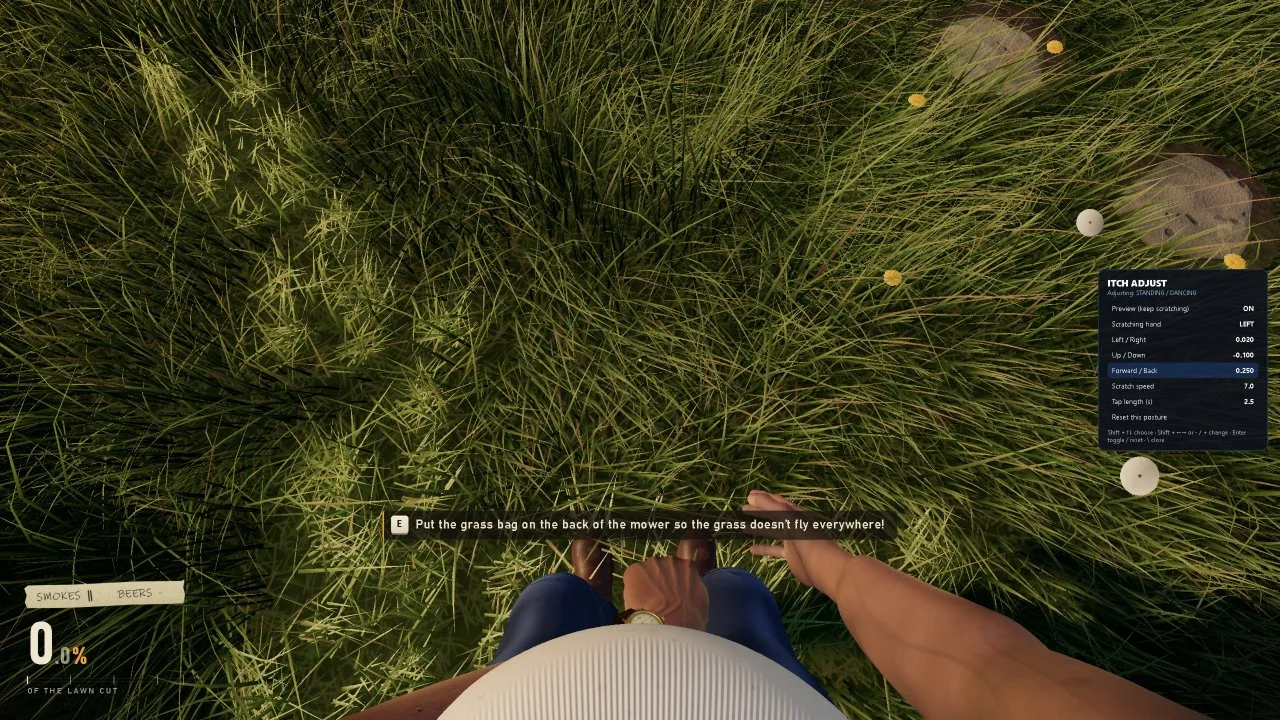
Balls Itch

Itch along with your favorite song! Press I and the old man scratches his crotch: on the mower, standing, walking or while dancing. Hold I to keep scratching. Backslash opens a panel to place the hand. Mod id: hawg.both-itch · v1.0.0

By Hawg

253 subscribers593 views
Workshop preview for the Wider Mower Blades mod
Mower ModsExperimental

Wider Mower Blades

Widens the mower cutter deck and grass cutting width together (1.0x to 50.0x). Change width in options > mower. Mod id: player.wide-blades · v1.0.3

By maximelianenko

238 subscribers404 views
Workshop preview for the Pull-cord push mower mod
VehiclesExperimental

Pull-cord push mower

A $250 push mower delivered whole on Chiquito's wagon. Carry it with 'o' both hands, set it down and push it. Includes multiplayer support, controller support, spawnable from Chiquito chest storage, real sounds, normal fuel cans and sellable bags. Mod id: player.pull-cord-mower · v1.6.0

By SlimsyMouse5

208 subscribers300 views
Workshop preview for the Straighten mower mod
Mower ModsExperimental

Straighten mower

Press H on the mower to smoothly snap it perfectly straight (to the nearest 90 degrees), for clean mowing lines. Mod id: player.mower-straighten · v1.0.0

By Bob

164 subscribers237 views

About these stats

Subscription, favorite and view counts are a snapshot from the official Steam Workshop API on 2026-11-20 and will change over time. Categories are editorial groupings of the author's own description; the Workshop itself only applies the “Mod” type. Compatibility is never claimed as official. Source: One More Lawn Steam Workshop.

In depth

One More Lawn gained official, experimental mod support in update 1.0.3, and this section tracks the community mods we can verify from Steam Workshop. Mods are unofficial player creations and the developer explicitly labels the system experimental and unendorsed, so we label compatibility honestly and link every mod back to its original creator.

How mod support works

Patch 1.0.3 introduced official mod support through the Steam Workshop, accessed from the title screen under Mods. The developer describes the feature as experimental. Mods can change purchased items, vehicles, animals, characters, weather, movement and more. Important safety details come straight from the patch notes: mods cannot access the internet, your files or your Steam account, and modded saves are kept separate from normal saves.

In co-op, the host's Workshop mods are passed to guests, which means the person running the session controls the modded experience. Because the developer has not reviewed or endorsed individual mods — and calls the whole system experimental — we do not label a community mod as officially "Compatible". Where we cannot verify a claim, we mark it Experimental or Unverified and point you to the creator's own page for the current state.

Our approach to mod listings

We only list mods that exist as real Steam Workshop items, verified through the official Steam API. Each entry carries the author's description, the item's own preview image and statistics captured at verification time, and a direct link to the original. We do not host mod files, and we do not claim a mod works with a given game version unless that claim is grounded in the item's own page or the official patch notes.

Mods are a moving target: creators update them, games change and compatibility shifts. Treat every listing as a snapshot with a verification date, not a guarantee. Read the item's comments and changelog on Steam before subscribing, and keep the experimental status of the whole system in mind. The Updates page records exactly what patch 1.0.3 changed so you can understand the boundaries of what mods can and cannot do.

Sources and where to go next

Every fact on this page is traceable to an official source — the Steam store listing, Steam News, the Steam Workshop API or the developer's own channels — and was last checked on 2026-11-20. Our full editorial standards and the complete primary-source list are documented on our about and data-sources pages. The links below continue this topic from a different angle.

Frequently asked questions

Are mods officially supported?

Support exists via Steam Workshop since patch 1.0.3, but the developer calls it experimental and does not endorse individual mods.

Can mods access my files or account?

According to the official patch notes, mods cannot access the internet, your files or your Steam account, and saves are kept separate.

Do I need mods to play?

No. Mods are optional community additions. The base game and its four jobs work without them.

Does this site host mod files?

No. We list verified Workshop items and link to their original creators; downloads happen on Steam.