ONE MORELAWN

Community creations

Maps Explorer

Real custom maps from the official One More Lawn Steam Workshop — with previews, authors and stats captured from the workshop. We index and link; we do not host map files.

Official source

Steam Workshop

All maps on this page are published by players on the official Workshop for One More Lawn (app 5378110). Browse, subscribe and rate creations directly there; we only mirror the public listing data so you can find them faster.

Open Official Workshop

How to subscribe to a map

  1. 1

    Open the official Workshop listing

    Sign in to Steam, then open the official One More Lawn Workshop page. Use the Browse tab to sort community items by most subscribed. Everything listed here comes from that source.

  2. 2

    Subscribe to a map

    Choose a map and press the green Subscribe button on its Workshop page. Steam downloads the item to your account automatically. This site never hosts or distributes map files — the Workshop page is the only source.

  3. 3

    Load the map in game

    Start One More Lawn and open the in-game maps menu or map editor. The developer lists a built-in map editor with Steam Workshop support among the game's features, so subscribed items are managed through the game rather than through this site.

  4. 4

    Check co-op and updates

    In co-op, the host's Workshop content is the one that matters: the 1.0.3 patch notes state that guests receive the host's Workshop mods. To remove a map, unsubscribe on the same Workshop page, and read the item's comments for current compatibility reports.

Community content — not developer-endorsed

Maps are made by players, not by Superdou. The developer describes Workshop mod support as experimental in update 1.0.3, and does not review or guarantee individual items. Subscribe only from the official Workshop, read the item's comments, and expect behaviour to change as the game and community items are updated. Read our mods and community-content guide for the same caveats applied to mods.

What these numbers mean

Subscriber, view and favorite counts are a snapshot taken from the official Steam API on 2026-11-20 and change daily. Difficulty is always shown as “Unverified” because the Workshop publishes no difficulty rating — we do not invent one. Each detail page links back to the original item for live stats, screenshots and author updates.

All maps

Every Verified Map

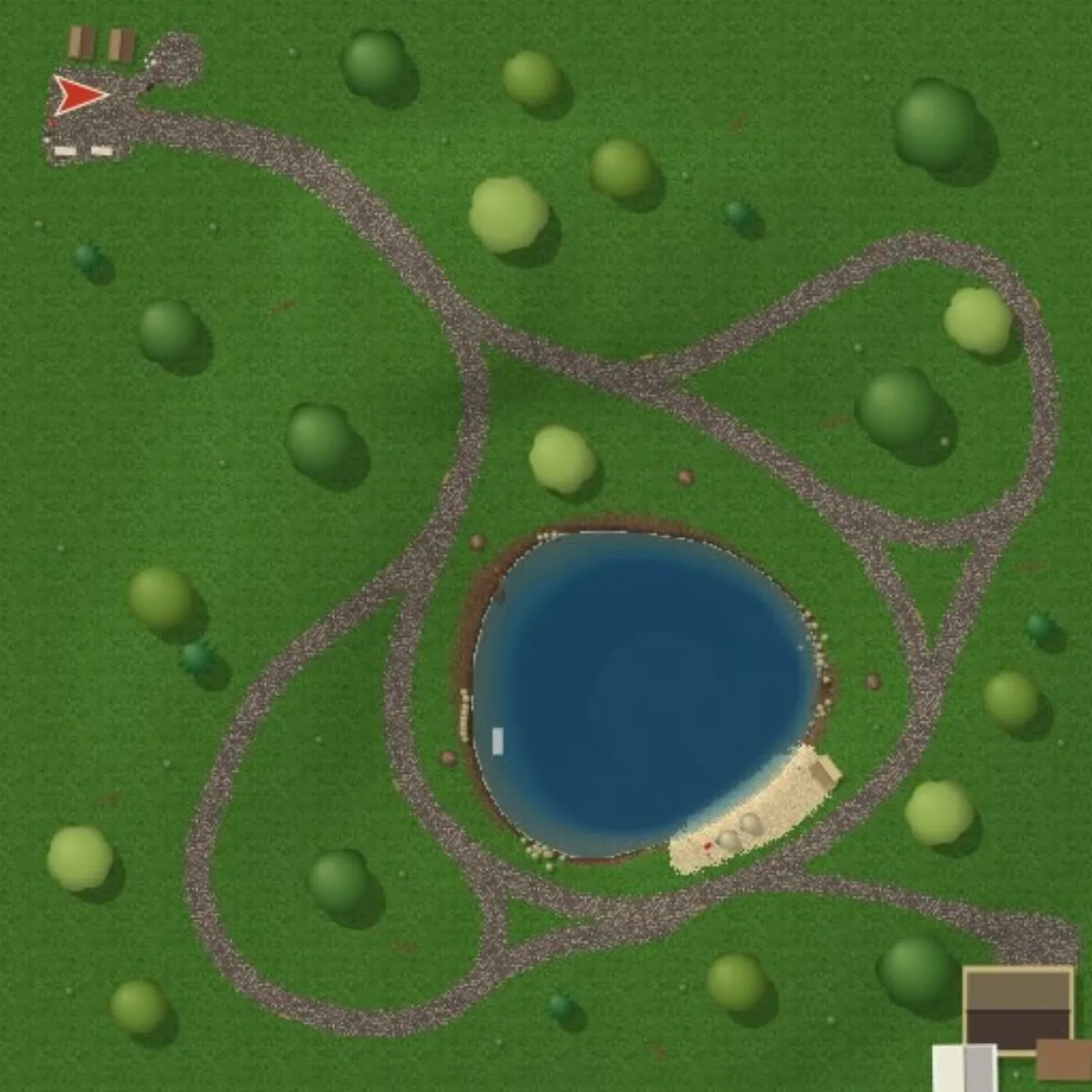
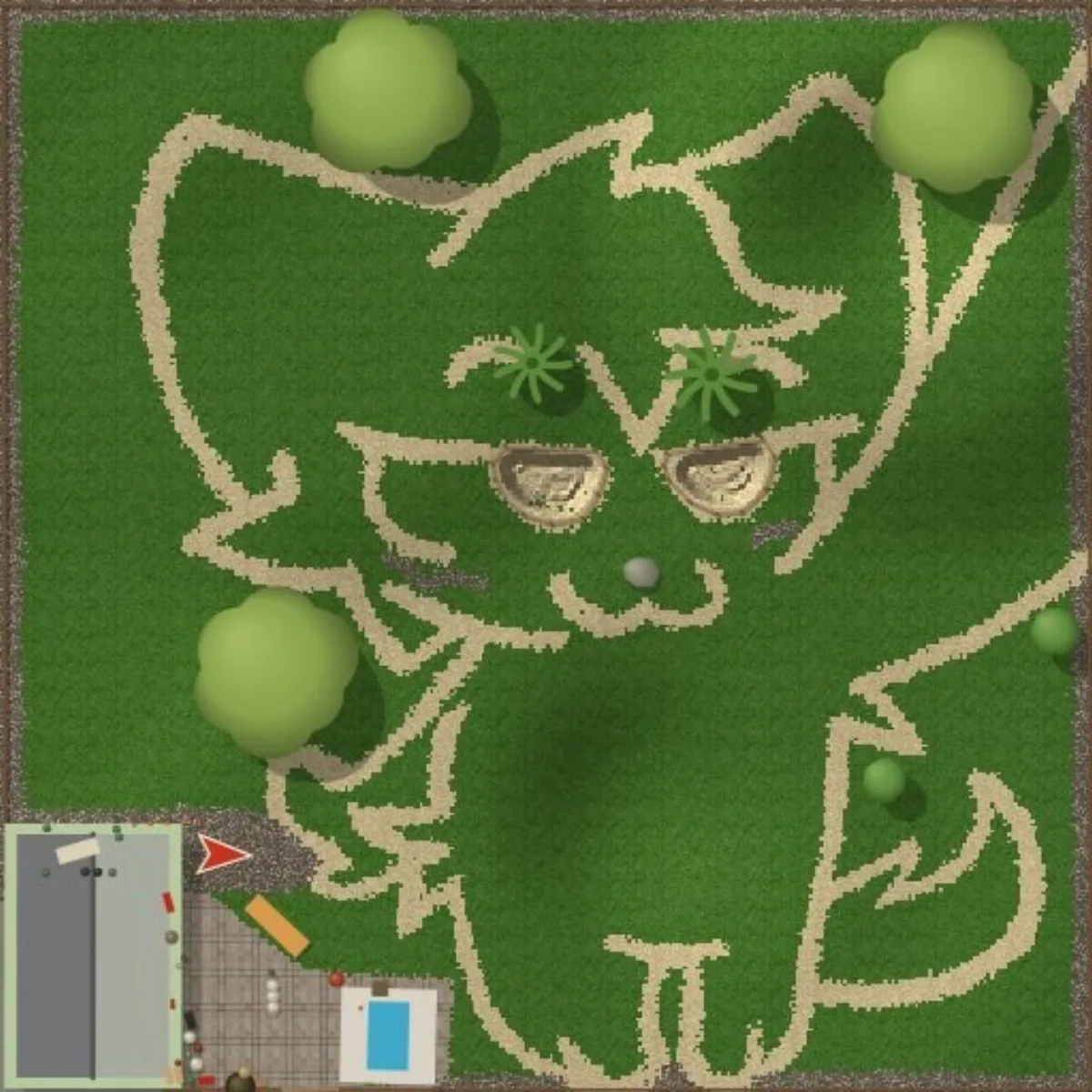
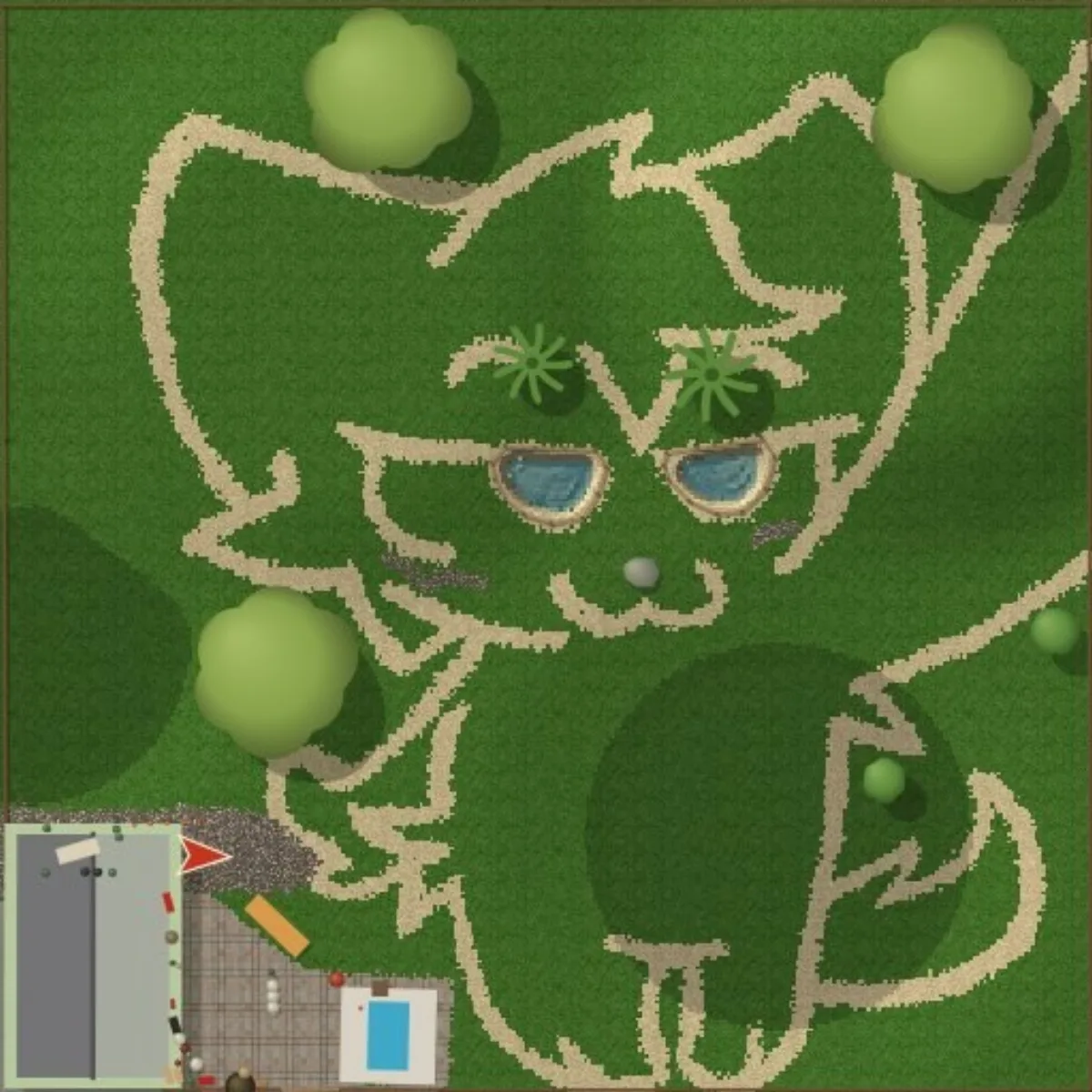
7 entries, captured from the official workshop API on 2026-11-20.

About these stats & sources

Subscription, favorite and view counts are a snapshot taken from the official Steam Workshop API on 2026-11-20and will change over time. Difficulty is marked “Unverified” because the workshop does not publish a difficulty rating — we do not invent one. Visit each map's workshop page for current stats, comments and updates. Primary source: Steam Workshop for One More Lawn. Item metadata: Steam Published File Details API.

Looking for gameplay mods instead of maps? Browse the verified mods index.

In depth

One More Lawn ships with a map editor and Steam Workshop support, and this section catalogues the real community maps we have verified through the official Steam API. Every map here has its author's own description, an official preview image, live subscription and view counts captured at verification time, and a direct link to the original Workshop item. We do not host map files.

What makes these maps verified

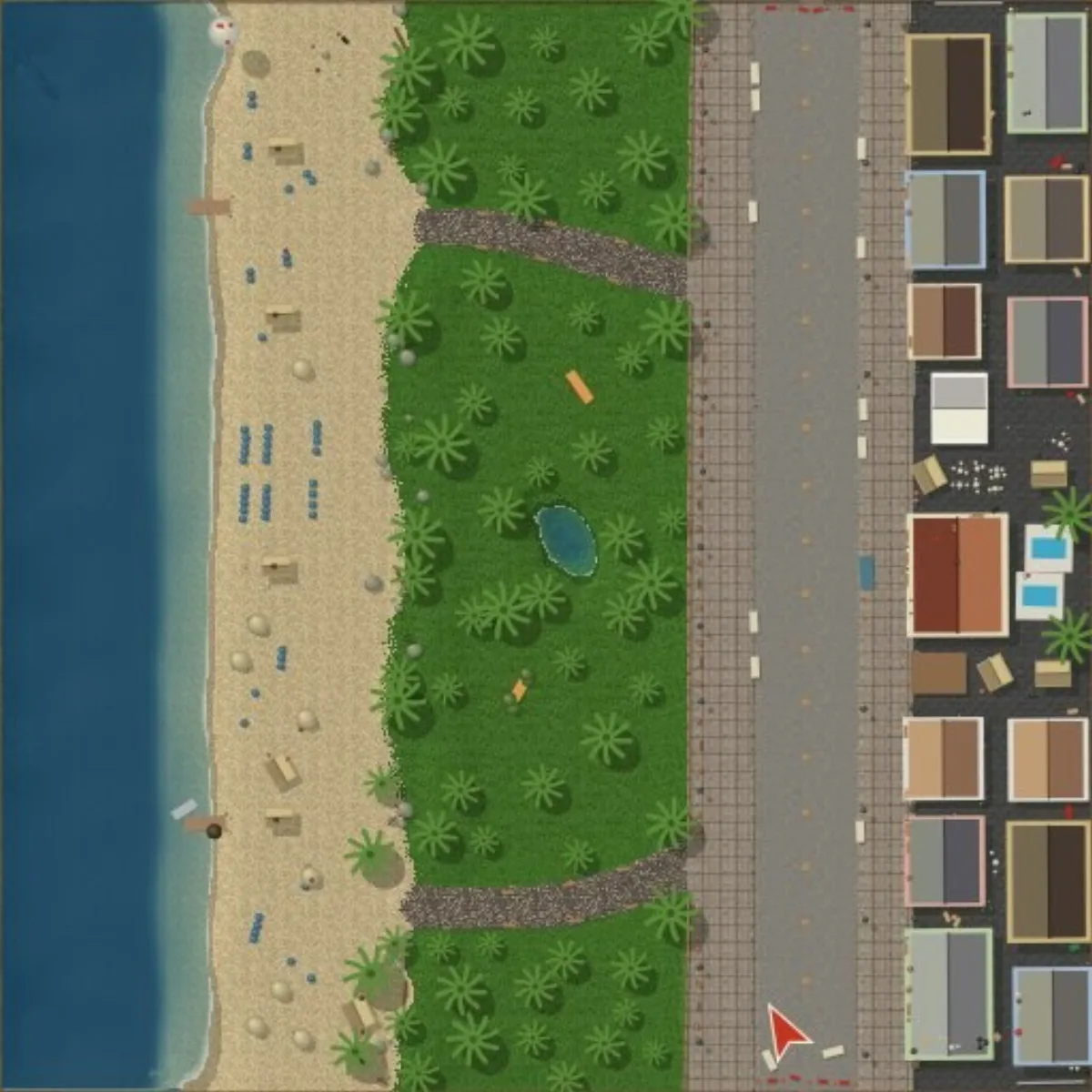
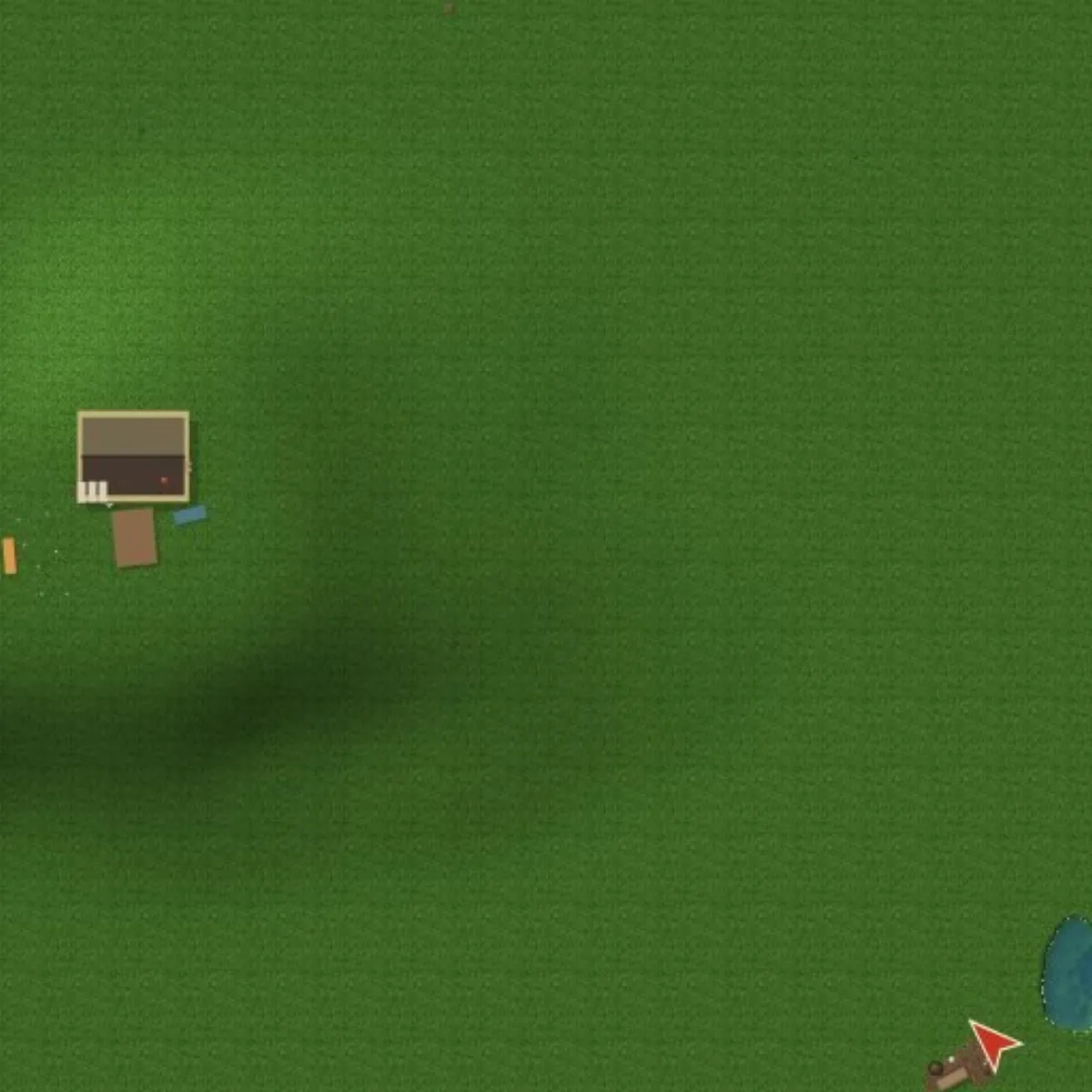
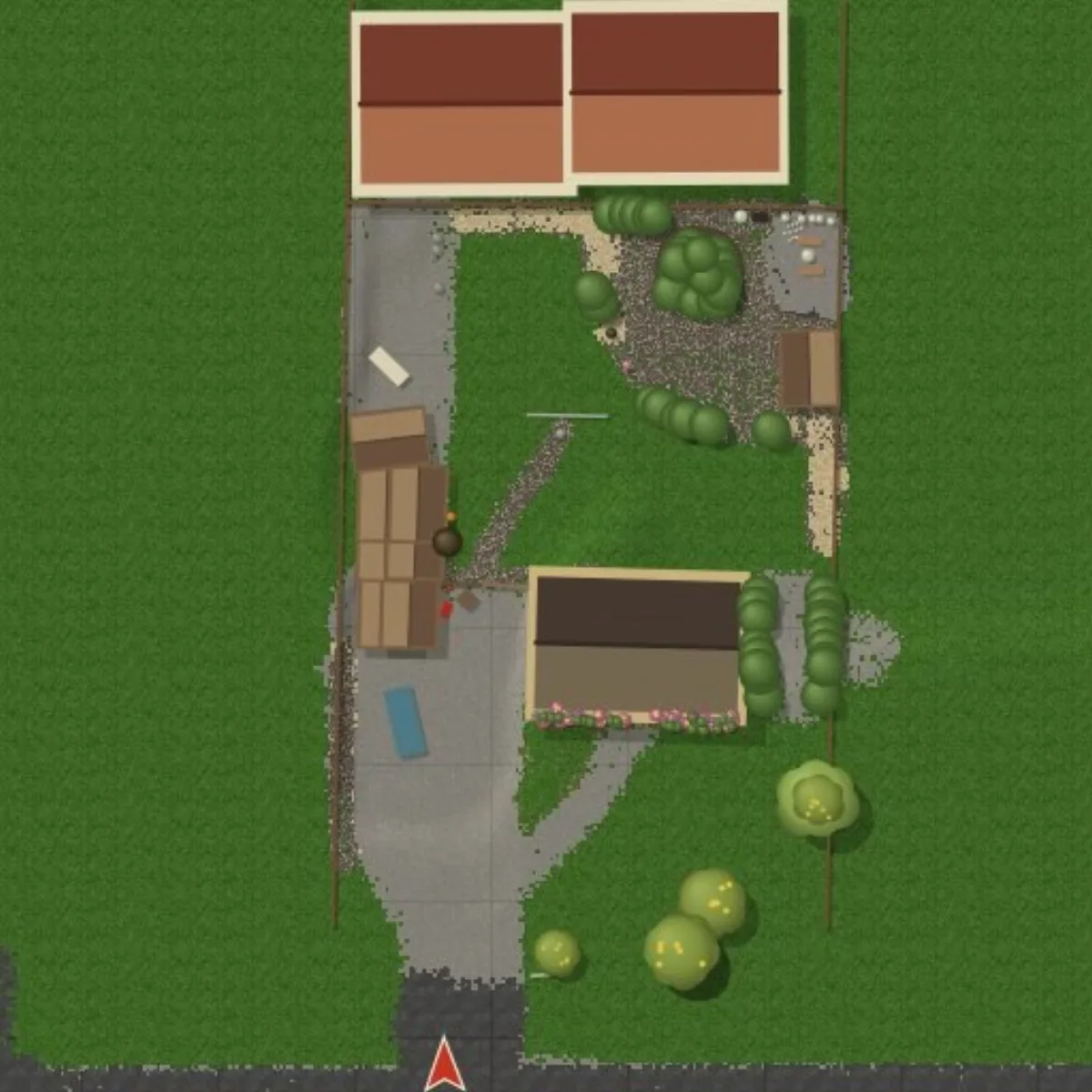
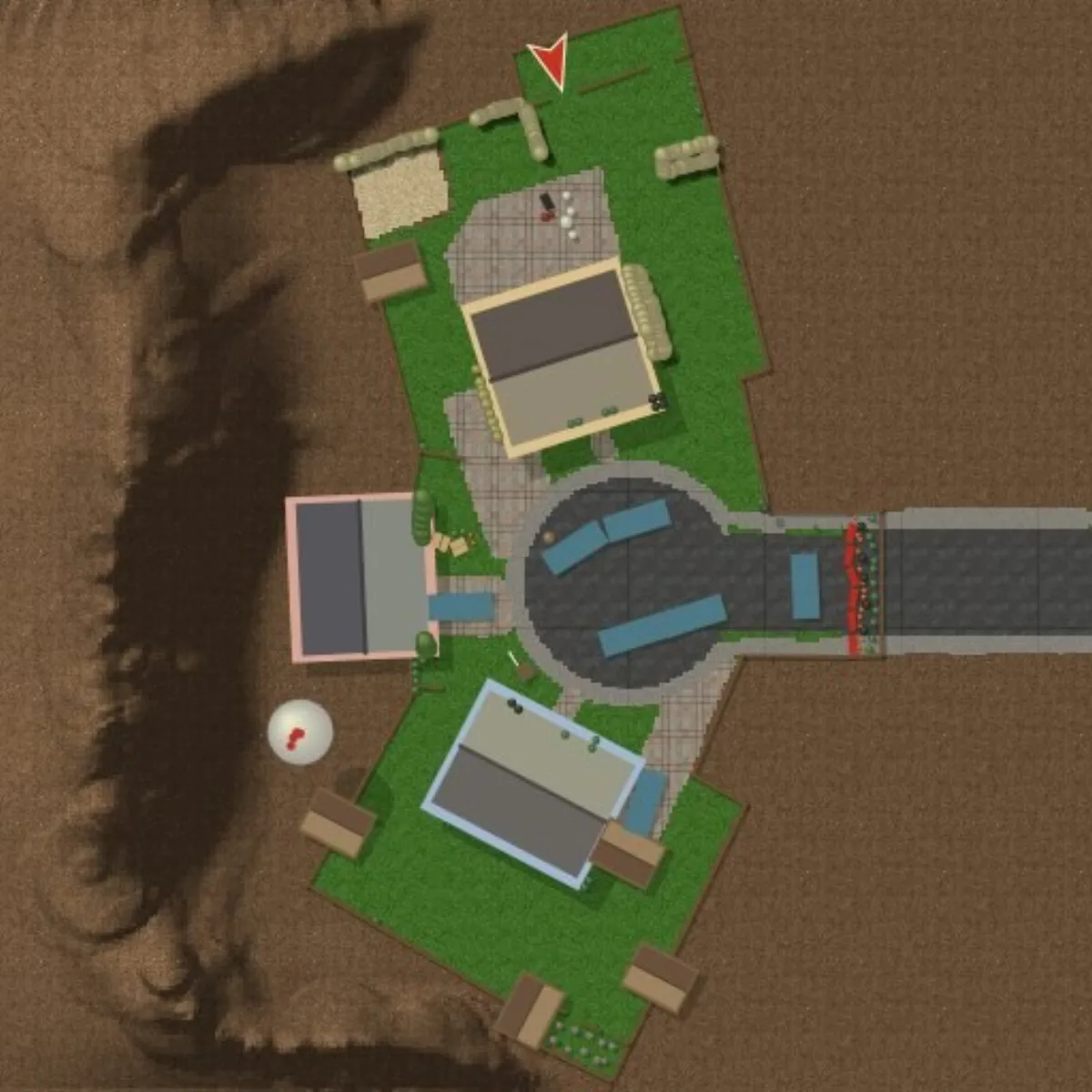
Each map entry was checked against the Steam Web API using the published file details endpoint. That gives us the author, the upload date, the exact title, the live subscription, view and favourite counts, and the item's own description. Where a creator left no written description, we say so plainly instead of inventing one. Preview images were taken from each item's official Steamusercontent preview URL, so what you see is the creator's own screenshot rather than an illustration drawn by this site.

The Workshop is where One More Lawn's community keeps the game fresh long after the four official jobs. Maps range from a steep hillside challenge with a huge amount of grass to a compact park tidy-up or a tribute to other games. Because difficulty ratings are not published by Steam, every map is marked "Unverified" for difficulty. We would rather give you the raw statistics and the author's words than attach a made-up rating.

How to use Workshop maps

To play a community map, subscribe to it on its original Steam Workshop page — the button on each map detail page takes you straight there — and then load it through the game's map editor or custom-map menu. Co-op guests receive the host's subscribed Workshop content, so if you are playing with friends the host should subscribe before starting the session. Always check the item's comments and screenshots on Steam before subscribing; that is where creators post known issues and updates.

Community maps are unofficial. They are made by players, not by Superdou, and their quality and compatibility vary. We attribute each map to its author and link back to the original item; we never claim ownership or host the files. If a map is removed from the Workshop, its entry here will be updated or withdrawn at the next verification pass.

Sources and where to go next

Every fact on this page is traceable to an official source — the Steam store listing, Steam News, the Steam Workshop API or the developer's own channels — and was last checked on 2026-11-20. Our full editorial standards and the complete primary-source list are documented on our about and data-sources pages. The links below continue this topic from a different angle.

Frequently asked questions

Are these official maps?

No. They are community-made maps published on Steam Workshop. We list the real items and credit their authors; they are not made by Superdou.

How do I play a map?

Subscribe to it on its Workshop page, then load it through the game's map editor or custom-map menu. In co-op the host should subscribe first.

Why is difficulty 'Unverified'?

Steam does not publish difficulty ratings for Workshop items, so we do not invent one. Check the item's comments and screenshots instead.

Does this site host the map files?

No. We only show official previews and statistics and link to the original Workshop item.