ONE MORELAWN
Mowing TipsFull Game 1.0.x

Perfect Lawn Tips

Mowing techniques, cutting height, efficient routes and edge trimming — grounded in the game's actual mechanics.

By One More Lawn EditorialUpdated Nov 20, 2026

Mowing Techniques

The game models real stripes that follow the direction you drive, grass that reacts to the wind and wheels, and clippings that fly from the chute. Cutting in straight, overlapping passes produces the cleanest stripes and fewest missed blades.
Striped cut grass from the mower view
Official game screenshot — courtesy of Superdou via Steam.

Cutting Height

Each client sets their own requirement. Elvira demands exactly five centimetres and nothing broken. On Rubén's golf course, greens, fairways and tees each need their own height. Use the deck-height lever on the dashboard to adjust.

Efficient Mowing Routes

Plan overlapping passes across the lawn and use the in-game percentage indicator. If progress stalls near the end, golden sparkles (added in 1.0.2) mark the remaining uncut grass.

Edge Trimming

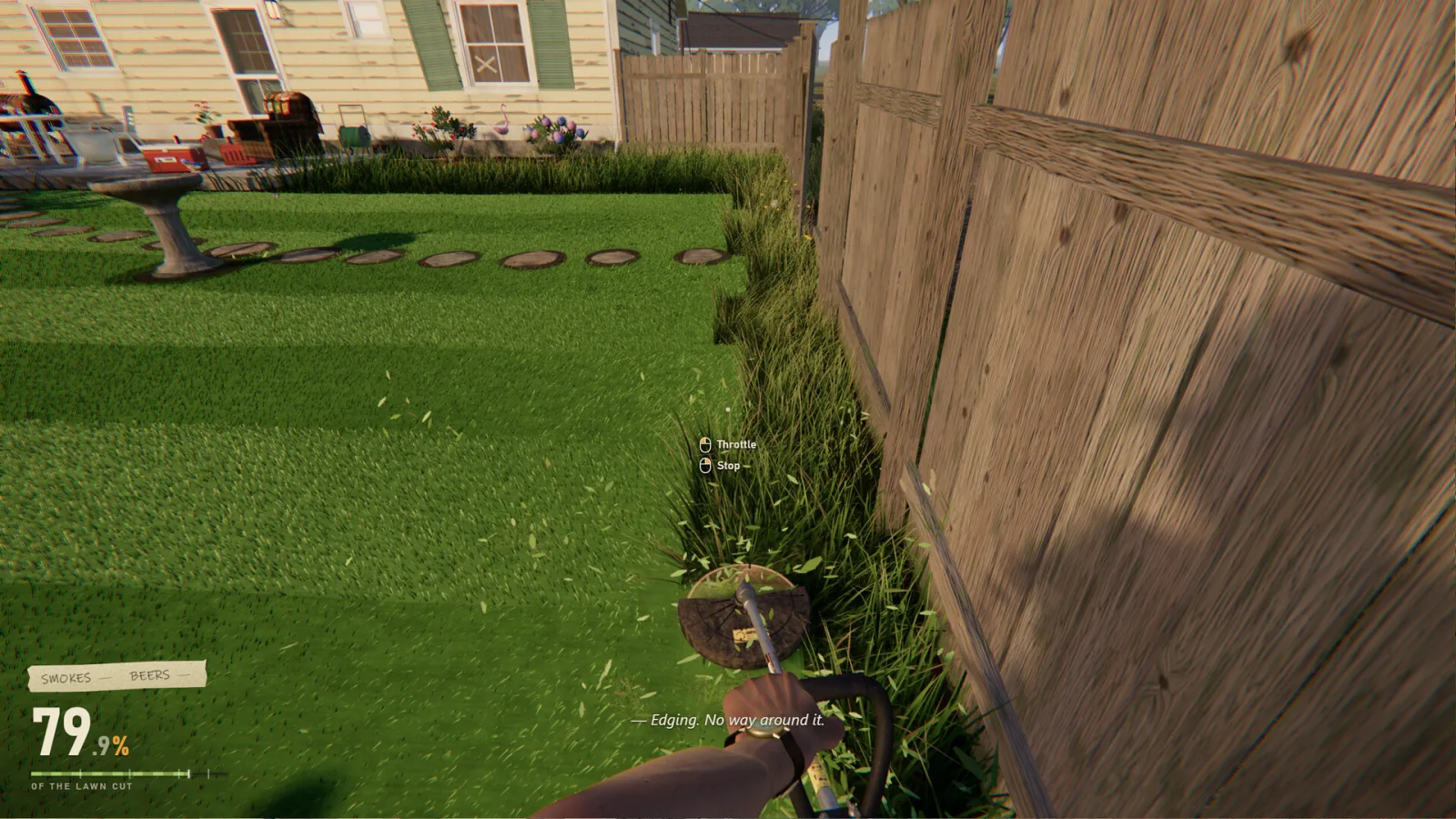
The mower can't reach everything. Get off and use the string trimmer along fences and around garden gnomes. If you get dizzy swinging the trimmer, enable the steady-camera option in Options > General.

Fuel Management

Watch the fuel gauge. If you run out far from the gas can, walk to it — or, since 1.0.1, drag the mower by hand.

In depth

Perfect Lawn Tips — part of the independent, verified guide library for One More Lawn. Mowing techniques, cutting height, efficient routes and edge trimming — grounded in the game's actual mechanics. This guide is built from official sources, carries a verification date, and links back to the material it is based on. Reading time is about 7 minutes.

What this guide covers

The guide is organised into the following sections: Mowing Techniques, Cutting Height, Efficient Mowing Routes, Edge Trimming, Fuel Management. Each one focuses on a concrete part of the game, grounded in the official Steam store description and the developer's patch notes rather than speculation. If a detail is a matter of player preference — a control layout, a camera option, an audio setup — the guide describes the available choices and points you to the in-game menu instead of hardcoding one answer.

One More Lawn is easy to pick up but has a surprising number of small systems: a physical dashboard with a hold-to-start key and deck-height lever, grass that reacts to wind and wheels, four jobs with different requirements, a mutable radio and co-op for up to six players. This guide pulls the relevant facts together in one place. Its author is One More Lawn Editorial, last updated 2026-11-20, and it applies to Full Game 1.0.x.

How this guide was verified

Guides on this site follow a strict rule: state only what official sources confirm, and label anything else as unverified. The source for this guide is https://store.steampowered.com/app/5378110/One_More_Lawn/, checked on 2026-11-20. When a patch changes a mechanic, the guide is revised — the early patches, for instance, changed fuel handling, added steady-camera and sensitivity options, and introduced experimental mods, all of which are reflected where relevant.

We avoid the recycled claims common in game guides. Exact key bindings are left to the in-game remapping menu, Workshop difficulty is left "Unverified" because Steam publishes no rating, and unconfirmed mechanics are not presented as fact. That makes the guide a dependable starting point you can cross-check against the official sources linked on this page and throughout the site.

How this page is sourced

The details above about the perfect lawn tips were checked against official sources on 2026-11-20. Where a source does not state something, this page says so rather than guessing. Our full editorial standards, the complete primary-source list and our correction process are documented on the data-sources page.

Frequently asked questions

Is this an official guide?

No. It is an independent guide compiled from official Steam listings and patch notes. We are not affiliated with Superdou.

Which game version does it cover?

Full Game 1.0.x. The guide shows its update date and official source.

Are the controls fixed?

No. Inputs are rebindable in Options > Controls, so the guide describes where to configure them rather than hardcoding a key.

How current is the information?

Verified on 2026-11-20 and revised whenever official sources change.